

Last updated on Tuesday, 20, October, 2026
Table of Contents
FBR POS Integration for Pharmacies in Pakistan: What Owners Need to Know
Running a pharmacy in Pakistan already means managing DRAP rules, expiry dates, supplier credit and tight margins. FBR POS integration for pharmacies adds another obligation. Owners who understand digital invoicing and POS integration now can avoid penalties, choose the right software once, and keep their stores running smoothly as enforcement grows.
What FBR POS Integration Means for Pharmacies
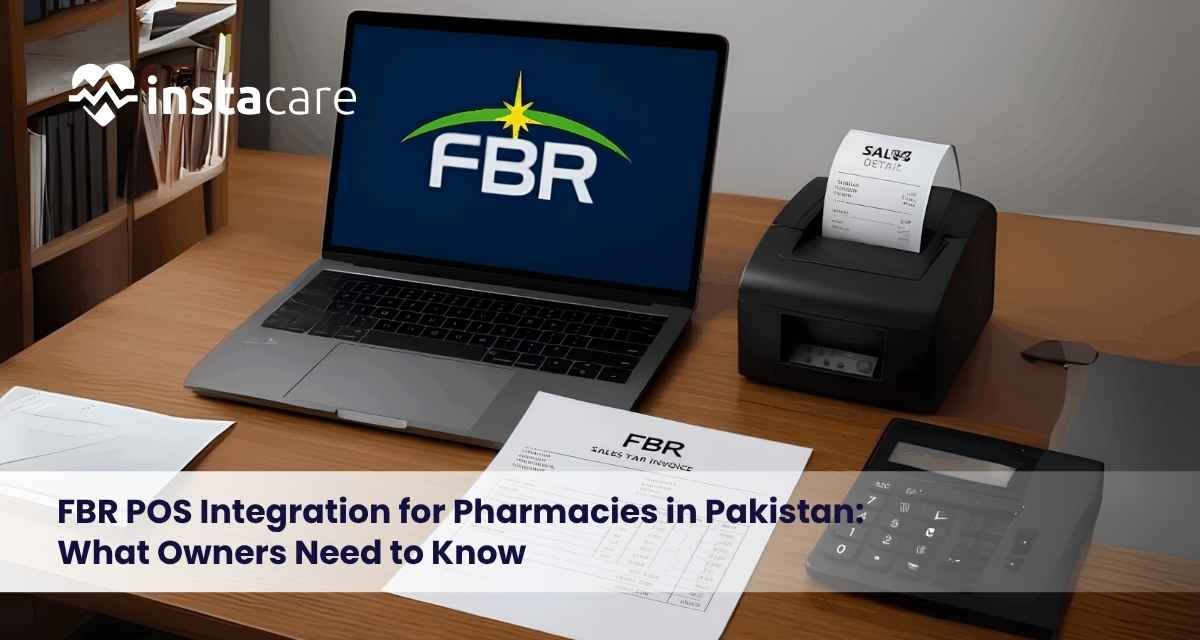
FBR POS integration connects every billing counter in your pharmacy to the Federal Board of Revenue. Each sale is reported as the bill is made, and the receipt carries an FBR invoice number and QR code. Customers can scan the QR code to confirm that the sale was recorded.
In practice, your billing software sends each invoice to FBR in real time and prints the FBR-issued number on the receipt. A bill no longer exists only in your own books.
Is FBR POS Integration Mandatory for Every Pharmacy in Pakistan?
No. It is mandatory for pharmacies that qualify as Tier-1 retailers.
FBR’s own FAQ states that integration is mandatory for all Tier-1 retailers regardless of the items they deal in. Pharmacies are not exempt as a category. Any store selling goods to the general public for consumption is a retailer under the Sales Tax Act, 1990, so a pharmacy is treated as a Tier-1 retailer if it meets the Tier-1 definition in section 2(43A).
You are likely to be covered if your pharmacy:
- Is part of a chain. A retailer operating as a unit of a national or international chain of stores is Tier-1.
- Operates from air-conditioned mall premises, or exceeds the electricity or turnover tests. These are among the tests listed, along with anyone FBR notifies.
- Has high withholding tax. In late 2025, FBR amended Rule 150Q of the Sales Tax Rules, 2006. It requires retailers whose deductible withholding tax under sections 236G or 236H exceeds Rs500,000 (Rs100,000 for wholesalers) to integrate.
A small standalone medical store may fall outside these tests today, but coverage is widening. One 2026 guide says pharmacies and medical stores are caught wherever a Tier-1 test is met, subject to the tax treatment of the specific goods sold. Medicines are taxed differently from other goods, so confirm your position with a tax advisor.
Newer rules may also affect you. In February 2026, FBR issued a draft notification to replace Chapter VII A of the Income Tax Rules with a broader e-invoicing and POS framework for specified sectors. Check fbr.gov.pk for the final notified version and whether pharmacies are named.
POS Integration vs Digital Invoicing
Many owners mix these two up. They are related but not identical.
| POS integration | Digital invoicing | |
| Applies to | Tier-1 retailers | Sales-tax-registered persons |
| What it is | Live reporting of every retail sale from your POS to FBR | Issuing invoices in the digital format FBR requires |
A Tier-1 retailer registered for sales tax faces both duties, while a sales-tax-registered business that is not Tier-1 is not required to do POS integration but is required to do digital invoicing.
So even a pharmacy that is not Tier-1 may face digital invoicing duties if it is registered for sales tax. Learn more about the requirements, process, and compliance rules in Pakistan in our guide related to FBR Digital Invoicing in Pakistan.
How FBR POS Integration Works
- Your POS software connects to FBR’s system through an API.
- Each bill is sent in real time. FBR returns a unique invoice number.
- The receipt prints the FBR number and QR code. For online sales, the retailer must integrate FBR’s utility on its website and print the number and QR code on the invoice sent to the customer.
- Power or internet fails. Under the draft framework, invoices issued during a system failure must be marked as offline mode and uploaded within 24 hours of restoration. This matters for pharmacies in areas with load-shedding.
Information Pharmacy Owners Should Prepare
Gather these before you contact any vendor or integrator:
- Business registration and tax details: your NTN, sales tax registration and business structure
- Your current billing and POS setup: how many counters and outlets you have, and whether billing is manual, spreadsheet-based or software-based
- Sales invoice and reporting requirements: which medicines and products you sell, how each is taxed, and what reports you file
- Existing software and integration arrangements: whether your current system can integrate with FBR or must be replaced, and whether you have a vendor contract
Having this ready shortens setup time and helps vendors give accurate quotes.
Step-by-Step: How to Integrate
- Confirm your Tier-1 status using the tests above.
- Register your outlets and POS counters on FBR’s system.
- Choose your route. You can use PRAL or a licensed integrator. Licensed integrators set up and maintain POS systems, ensure secure data transmission and provide technical support.
- Install and test the integrated software with sample bills.
- Train your counter staff. Every sale must go through the integrated system.
- Keep records for audits.
What Does It Cost?
- Integration itself is free. FBR charges no fee, and PRAL provides integration services free of cost.
- Your real costs are POS software, a computer, a barcode scanner, a receipt printer and reliable internet or backup power. Prices vary widely, so get several quotes.
- A tax incentive may apply. One source reports a 10% tax credit on the amount invested in integration hardware and software under section 64D, per the Finance Act 2026. I found this in only one secondary source, so verify it in the Finance Act or with your accountant.
Penalties for Not Integrating
- Failing to integrate reduces the retailer’s adjustable input tax.
- Invoices without a valid FBR number or QR code attract a penalty of Rs500,000 or 200% of the tax, whichever is higher.
- Continued default can end in the premises being sealed until integration is completed.
Penalty amounts have changed across Finance Acts, so check the current Sales Tax Act before relying on any figure.
Questions to Ask Before Choosing Pharmacy Software
Use this as a vendor checklist:
- Is the required FBR integration supported? Ask for a live demo of the FBR connection, not just a brochure.
- Who provides the integration? Ask whether the vendor is a licensed integrator or works through PRAL.
- Does the vendor support testing and troubleshooting? Ask who handles setup, testing and issues when FBR’s system is slow or down.
- Can the system manage inventory, billing and reports together? Separate tools mean double entry and mismatched records.
- How does it handle offline billing during power or internet failure?
- What does support cost after installation?
How Pharmacy Software Can Simplify Billing and Inventory
FBR compliance is the minimum. Good pharmacy software also does daily work for you. Effective pharmacy software should include expiry date management with automatic alerts, and handle Pakistan-specific needs such as generic substitution, DRAP product registration verification and controlled-substance documentation.
When billing, stock and reports live in one system, you make fewer billing errors, catch near-expiry stock before it becomes a loss, and produce sales and tax reports that match what FBR already holds. General inventory software typically cannot meet pharmacy requirements, so specialised pharmacy software is needed.
How to Evaluate InstaCare Pharmacy Software
InstaCare is one option pharmacy owners can assess. It is a digital health company founded in 2018 and based in Lahore, Pakistan.
Its pharmacy management software is aimed at pharmacies in Pakistan, from a single store to a growing chain. Here is what InstaCare’s pharmacy software page lists:
- Real-time inventory tracking. Alerts for low stock, near-expiry stock and dead stock.
- Barcode and batch management. Selling by batch, expiry tracking and barcode scanning for stock control.
- Smart billing and invoicing. Fast POS-style billing with prescription uploads.
- Profit and sales reports. Margins, top-selling medicines and daily revenue, plus reports on sales, purchases, stock and customer activity.
- Supplier, manufacturer and customer management. Organised supplier and manufacturer records, order tracking, and customer profiles with purchase history and prescription-linked records.
- Referral and order management. A central list of doctors, hospitals and referral partners, linked to prescriptions.
- Multi-user roles. Separate access for pharmacists, staff and admins.
- Cloud-based access with backups and encryption. Data can be reached from anywhere.
- Settings and hot keys. Configurable workflows and keyboard shortcuts for faster billing.
- Roman Urdu-friendly interface. Built for local staff.
Common Mistakes Pharmacy Owners Make
- Assuming small size means exemption without checking the withholding tax test
- Using unlicensed software that cannot connect to FBR
- Billing outside the system during busy hours or outages
- Skipping staff training, so invoices go out without the QR code
- Relying on old information. These rules are changing fast.
Conclusion
FBR POS integration for pharmacies is moving from a rule for large chains to an expectation for more outlets each year. Confirm whether you are Tier-1, prepare your business and billing details, ask vendors the right questions, and choose software that handles billing, inventory and compliance together.
Frequently Asked Questions
Is FBR POS integration mandatory for all pharmacies in Pakistan?
No. It is mandatory for pharmacies that qualify as Tier-1 retailers. Check the tests above and the latest FBR notifications.
What is the difference between POS integration and digital invoicing?
POS integration is live sales reporting for Tier-1 retailers. Digital invoicing is a wider duty for sales-tax-registered persons.
How much does FBR POS integration cost?
The integration service is free through PRAL. You pay for software and hardware.
What happens if my internet goes down?
Under the draft framework, you issue offline-marked invoices and upload them within 24 hours of restoration.
Can I use any POS software?
No. It must connect to FBR’s system, usually through PRAL or a licensed integrator.
Where can I verify the latest rules?
On fbr.gov.pk, in the notified SROs, and with a registered tax advisor.
