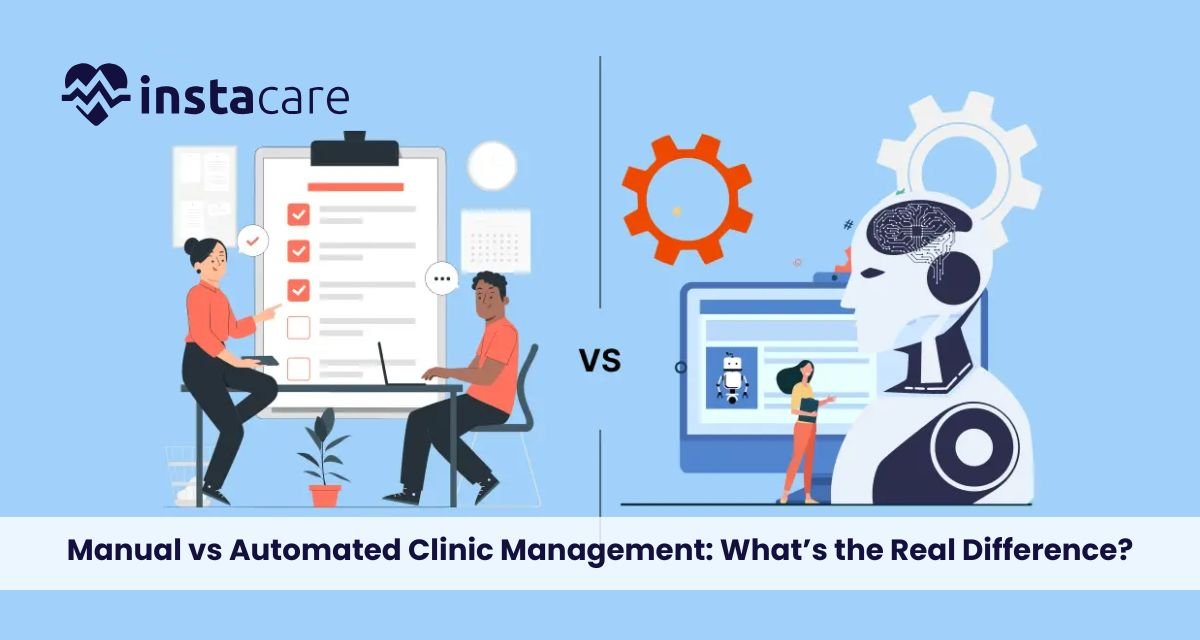
Manual vs Automated Clinic Management: What’s the Real Difference? Much has been written about Manual vs Automated Clinic Management as health facilities seek to optimise administrative costs and improve patients’ welcomes. Most clinics typically rely on manual systems such as paper records and human input for administrative tasks. However, means have developed over the last years with many modern systems that automate processing and provide other benefits that can radically change a clinic’s operations. Thus, healthcare providers must understand the distinction between the two to better manage themselves. The Manual Clinic Management Manual clinic management generally implies practices that have been basic for healthcare administration for many decades. It usually means using paper files, handwritten notes, and manual scheduling systems. These methods might have performed their functions; however, they leave much to be desired in their drawbacks, which can hinder clinic operation efficiency and patient care. Time-Consuming Task Patients’ medical records are stored in physical files manually, making recovery time-consuming and, in most unfortunate cases, the a danger of losing or destroying files. Also, introducing human input into data entry has created a health risk environment that establishes a high disorder or error state in patient information. Such symptoms contribute to a poorer workflow, severely affecting patient satisfaction and the entire clinic’s performance. Administrative Effort They often require a lot of administrative effort, which clinic staff invest almost all their working time into, eventually leading to an inevitable diversion from patient-centred activities. Such experiences are the precursors of burnout among healthcare workers, impacting the quality of patient services. Such gaps in clinic management will become glaringly visible as changes in the healthcare sector continue shaping demand for better alternatives. Understanding Automated Clinic Management On the other hand, automated clinic management software depends largely on different kinds of digital systems to optimise the efficiency and accuracy of various processes in healthcare settings. Electronic health records (EHR), billing systems, and appointment scheduling tools are automated systems designed to facilitate a perfect run of course in the management of a clinic. Professional Patient History With automated systems, professional patient history is stored in digital form; thus, it can be accessed quickly and securely for authentication. It reduces time consumption in carrying out administrative tasks and also reduces human errors related to manual data entry. For example, automatic systems can ensure that patient folders are updated with treatment work readily available to health professionals, enabling them to make immediate decisions. To Increase Efficiency In The Workflow Furthermore, automated systems are often equipped with techniques to increase efficiency in the workflow. For example, reminders can be set up to alert staff concerning upcoming appointments, follow-ups needed, or critical billing deadlines, which helps reduce the chances of missing assignments. Such an organisation cultivates a more cohesive working environment so that healthcare professionals can devote their attention to where it truly matters: patient care. Advantages of Automated Clinic Systems When considering the benefits of automated clinic systems, it is found that these are just some of the solutions through which most manual management problems can be addressed. Such change does bring modernisation to the ruins of a clinic; however, the transition from paper to digital introduces the following significant changes. Improved Efficiency Improved overall efficiency is by far the greatest benefit of automated clinic management. In effect, automating routine stuff streamlines working processes within the clinic and, in this manner, enables clinicians to spend more time talking to their patients instead of doing administrative work. This results in speedier processing of patients and a more organised approach to managing appointments and records. Automated scheduling systems enable patients to make appointments online, relieving the administrative staff from extra burden and reducing scheduling conflicts. This adds convenience to the patient’s experience and helps clinics optimise their schedules to better allocate their resources. Reducing Errors Reducing errors is another important advantage of automated systems. Automatic systems eliminate the possibility of human error at this stage as far as data entry is the outcome being wrong. But above all that, automatic systems always include built-in checks and balances that notify potential errors long before they become an issue. For example, if a health provider tries to enter different information, the computer can output an alert, allowing immediate correction. This level of oversight is immensely valuable for the precision of patient information, as well as ensuring that healthcare providers will have accurate information available for their patients. Enhanced Patient Experience Apart from this, automated clinic management systems also contribute to a much better patient experience. Features such as easy online appointment scheduling and secure portals for patients will increase the flexibility of healthcare activities. These will empower patients since they can now manage more on their own, such as gaining access to their medical records, seeing the outcomes of tests, and communicating directly with their healthcare providers. From A Paper-Based Management System to an Automated Shifting from a paper-based management system to an automated one may be intimidating; however, clinics have succeeded in this transition. A transition becomes successful with careful planning and good execution. These clinics should begin as far away from the final implementation as possible in evaluating existing workflows for situations that most deserve automation. This could include administrative processes, management of patient data, or billing practices. After recognising the areas that require improvement, clinics can then choose suitable software products based on those needs. It becomes important to involve the staff in this phase, as their input may give very relevant context to the selection of systems that will work best. Following this, training the staff on the new technology becomes very important so that everyone feels good and can use the automated tools in their work. Follow system implementation with ongoing support and feedback possibilities to keep improving. As the staff becomes increasingly comfortable with the automated processes, clinics can optimise the potential of their new systems and reap the benefits of enhanced efficiency and fewer errors. Digital Healthcare Management With healthcare constantly evolving, digital healthcare
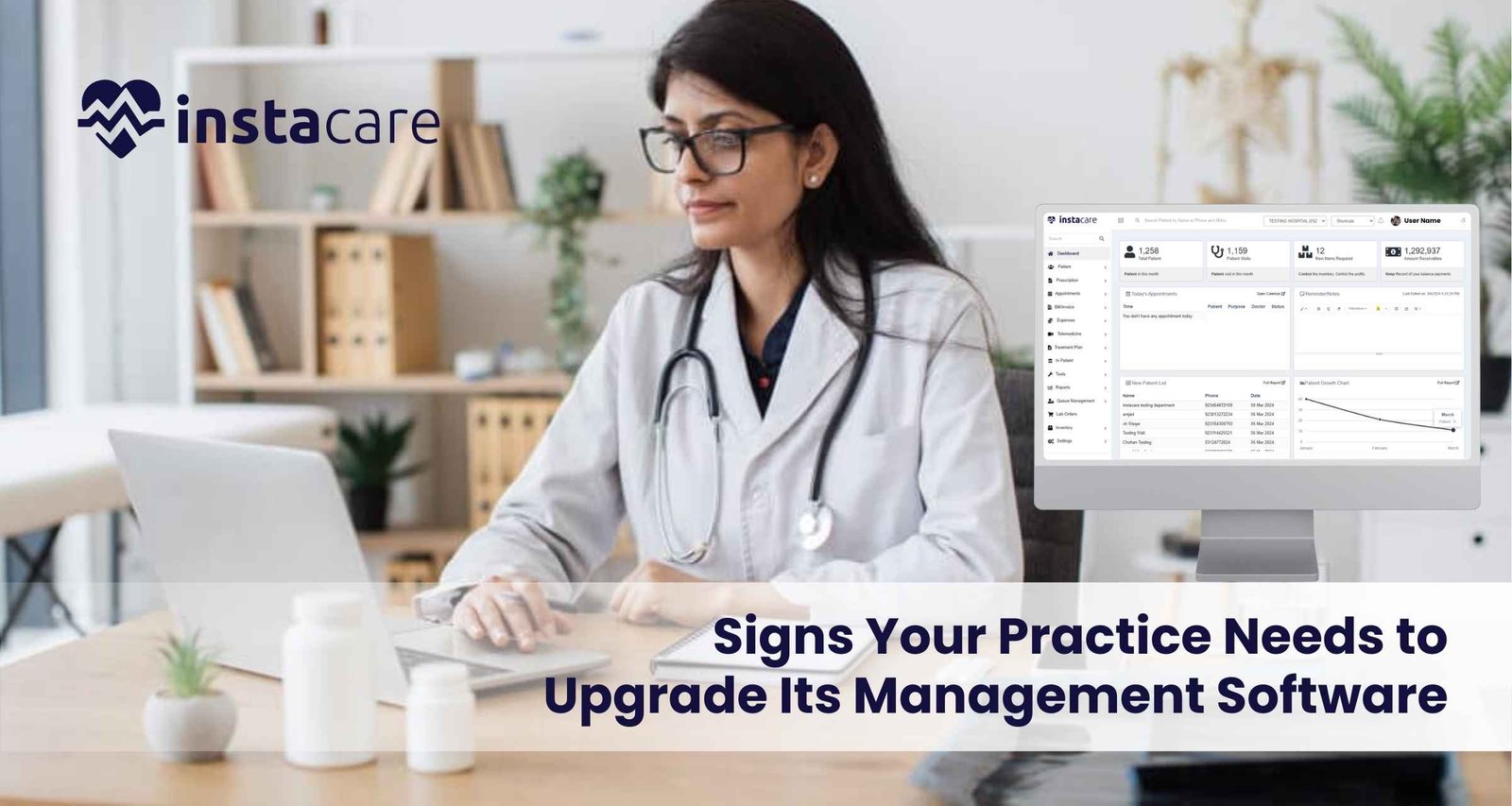
With the fast pace of modern health care today, proper management software can make any health practice thrive. The tools given allow practices to streamline things, enhance patient care, and improve regulatory compliance. Unfortunately, however, your old management software may not remain good enough for your constantly developing and growing practice. Five indications it is time to move on from the old software into a new one; there follows some practical advice on how to best do that. 1- Inefficiencies and Workflow Bottlenecks Identifying Inefficiencies Probably, the most indicative sign that upgrading management software is in place is when inefficiencies are manifested along with workflow bottlenecks. If, for example, your employees are taking too much time on activities such as setting appointments, managing patient files, or making bills, it’s probably time for an upgrade. Effects on Patient Care The longer the time patients take to access care, the unhappier they will be; there is also a chance of danger of safety due to a lack of accessible information, which can provide crucial details. Advanced software systems will automatically allow automation of routine tasks, enabling staff to spend more time with the patient instead of the paper. Solutions Assessment: an appropriate assessment of the existing workflow that indicates where things need improvement. Automation: Seek a software that provides automation in scheduling, billing, and reminders. Integration: Select a system that has the potential to integrate with other applications the practice uses, for example, electronic health records and billing. 2- No Reporting and Analytics The Role of Data Given current market environment and focusing on data – driven approach, it is essential to gain access to reporting and analytics tools. If your current management software does not have built-in reporting tools, it can imply that your practice is missing out on important information in such categories as demographics of patients or the state of your practice’s finances or its efficiency. Poor data visibility leads to: It would become very challenging to determine trends, predict future needs or make improvements without the capability to analyze data. This can adversely affect the growth of your practice and also impact the adaptability of your practice to changes in regulatory healthcare and market conditions. Solutions Determine the Reporting Needs of Your Practice: Determine if your practice needs financial reports, patient flow metrics, compliance reports, and other summary reports. Select Advanced Analytics Tools: Select software that allows real-time analytics and custom reporting. Training: Make sure your staff is trained to use these reporting tools to make better decisions. 3- Complexity in Managing Patient Engagement Patient-Centric Care The current environment of the healthcare sector can be said to be customer centre especially as it pertains to the patients. Lack of elements of communication with the provider, appointment reminder, or an online patient portal in your management software will make the practice struggle to meet patient expectations. The Need for Innovative Engagement Solutions Patients today are demanding easy access to health information, make appointments online, and acquire insight into their care in due time. Satisfaction, healthier outcomes, and loyalty could be delivered by a system that encourages patient engagement. Patient Portals: Choose a software that offers a patient portal as an easy way of viewing the records, communicating with the staff, and also scheduling appointments. Automated Reminders: Choose a system that will automatically send reminder appointments for medication refills and follow-up visits Feedback Mechanisms: Allows patients to give you real-time experience feedback so that you’ll know where things went wrong. Book Free Demo 4- Compliance Challenges and Security Concerns Regulatory compliance Healthcare regulations, such as HIPAA in the United States, require practices to carry out strict standards on handling patient data security and its privacy. If your management software does not support it, your practice will also be exposed to some extreme risks, including hefty fines and reputational damage. Security Risks Outdated software may also leave your practice vulnerable to security risks. Cyber security threats are increasing daily, and having a system that cannot adequately protect sensitive patient information is very serious. Solutions Assess Compliance Features: Make sure any new software you look at meets all the applicable regulatory requirements and includes data encryption, access controls, and audit trails. Regular Updates: Select a provider that offers periodic updates and support to help cope up with emerging security threats. Training: Train your employees on best practices and requirements for data security compliance that can help minimize potential risk. 5- Very Poor Scalability and Flexibility Preparation to scale As your business grows, your management software grows with you. In the moment when you actually realize that it is neither scalable nor customized, most probably you’d not quickly respond to whatever changes happened in the quantity of the patients, kind of provision of services or needs of operation. Necessity to Scale An unyielding system can frustrate the staff and even prevent you from offering new workflows or services that will benefit your patients. An advanced system should allow the customization of needs for your practice and patients. Solutions Scalable Solutions: You want to have software that is built to grow with your practice. This means it should be easy to add users, locations, and services with little to no disruption. Customization Options: Select a system that can be customized in terms of workflows, templates, and user interfaces according to the specific needs of your practice. Vendor Support: The software vendor must provide strong support and resources for customization and scalability. Conclusion Upgrading management software is an important step toward efficient and successful practice. Knowing that it’s time for change through inefficiencies, lack of reporting, hard time to engage the patients, challenges with compliance, and inability to scale further provides the leeway for finding a better solution that addresses your needs better. Investment in modern management software does not only streamline your operations but also enhances patient care and satisfaction. When viewing potential upgrades, be on the lookout for features and benefits that align with your objectives for your practice and for your
In this healthcare landscape, clinic management software helps in optimizing operations, enhancing the quality of care provided to patients, and simplifying administrative tasks. As the year progresses into 2024, different clinic management software solutions meet the distinct needs of clinics – from very small practices to large healthcare centers. The following guide discusses the top clinic management software available this year and their respective features, benefits, and what puts them at the forefront of the competitive market. 1- InstaCare InstaCare offers a cutting-edge solution for the management of healthcare operations in clinics of all sizes. InstaCare is a user-friendly clinic management platform that bundles rich functionalities for streamlining clinical and admin workflows. The software will fit practices looking forward to enhancing operational efficiency and patient engagement. Key Features Patient Management: All tools managing patient records, medical history, and treatment plans. Appointment Scheduling: Convenience features of appointments that means the choice of appointments that can be achieved online including appointments booking, changing or cancellation without any difficulties. Besides, it has default alerts to help reduce no-show instances in appointments. Billing and Financial Management: It has an integrated billing solution, making invoicing easier and streamlining the processes of payment and insurance claims management. Telehealth: Secure telehealth functionality includes video visits, so a patient’s care isn’t interrupted. Reporting and Analytics: Extremely feature-rich for tracking performance metrics and reporting on patient outcomes to guide decision-making. Pros Provides with additional free time for human management, because it reduces the administrative work It is convenient to get information in health and telehealth-related things. It provides with the cost-effective solution; price structure transparent and clear Clinics are scalable to grow. 24/7 customer service to help deal with any issues. Cons Smaller systems might miss some advanced features. In comparison to “all-inclusive” and comprehensive packages, customizations may be fewer. 2- Kareo Kareo is considered as one of the best practices management tools for practices of small to the mid-size medical concern. It has incorporated a generous amount of different functions, all of which seem to essentially minimize tasks relating to clinical and administrative procedures; thus it is ideal for use in a practice that aims to maximize on productivity. Key Features Patient Management: streamlined scheduling, reminders, electronic health records (EHR). Billing and Revenue Cycle Management: Billing tools are very well-integrated in order to reduce claims denials and increase revenue. Telehealth Capabilities: HIPAA-compliant video consulting. Pros User-friendly interface. Good customer support. Extensive training. Cons Limited flexibility. Potentially pricey for added functionality. 3- Athena health Athena health is a cloud-based service vendor that streamlines the management of clinical, administrative, and financial workloads. This solution is very suitable for larger practices and hospitals. Key Features EHR and Practice Management: Fully integrated EHR solutions to improve clinical workflow functionalities. Patient Engagement: Online appointment scheduling, reminders, and portals. Analytics and Reporting: Analytics are quite advanced to track practice performance and patient outcomes. Benefits A deep emphasis on interoperability. Flexible pricing plans Profound regulation compliance support. Cons Steep learning curve for new users May need additional training for more complex features 4- Cerner Cerner has been one of the forerunners in health information technology offering solutions mainly to large healthcare organizations. Their rich ecosystem is capable of carrying out a broad range of functionality, hence ideal for a highly complex environment. Key Features Population Health Management: Tools to manage and improve community health outcomes. Interoperability: Seamless data sharing with other healthcare systems. Data Analytics: Ability to harness advanced analytics to inform an appropriate decision Strengths Highly customizable to meet specific needs of any organization Extensive reporting capability Strong support for large-scale implementations. Cons More expensive than other smaller solutions. Implementation may be very time-consuming. Book Free Demo 5- NextGen Healthcare Meant for ambulatory care settings, NextGen Healthcare provides an array of functionalities to enhance both clinical and administrative work flows. Key Features Fully Integrated EHR and Practice Management: All-encompassing tools for managing patients and creating clinical documentation. Patient Portal: Interactive interface of the patient to access their medical information. Telehealth Services: Secure telemedicine services that allow for remote consultations. Pros For specialty practices with special needs. Support for robust customization options. Built-in billing and reporting features. Cons Not that easy to grasp and navigate for first-time users. The customer support strictly depends upon the tier of service. 6- Practice Fusion Practice Fusion is one of the cloud-based EHRs, designed specifically for medium-size and small practices. The system is relatively easy to use and is priced affordably. Key Features EHR and Patient Scheduling: User-friendly interface for maintaining patient information and scheduling. Billing and Insurance Verification: Appliances for making billing and insurance verification smoother. Health Information Exchange: You can exchange information with other providers. Pros Core EHR product free for eligible practices. The interface is very easy to use. Effective patient engagement tools. Cons Has fewer advanced modules than large systems. Customer service varies. 7- Meditech Meditech is one of the most recognized healthcare IT companies. It supports hospitals and health systems and aims at improving care for patients and operational efficiency. Key Features EHR: This software has a fully functional module for electronic health record support and clinical documentation. Patient Engagement Tools: Practice that enables appropriate communication among patients and, therefore, treatment. Mobile Access: Healthcare provider applications that allow a glance at patient data from mobile. Benefits Renowned brand and reliability factor Huge library of training Patient-centered care Cons Too costly for small clinics Rather old-fashioned user interface when compared with contemporary peers 8- eClinicalWorks eClinicalWorks is a well-established brand in the healthcare software market which offers a single tool that can be used by clinics of any sizes Key Features EHR and PM Solutions: An integrated system for handling patient records and practice management. Telehealth Services: Secure and user-friendly telemedicine capabilities. Patient Portal: Engaging patient communication and access to health records. Strengths Has several functionalities. High interoperability emphasis. Good customer service and training. Cons Initial setup is complicated. Users have complained of a few bugs in the system. 9- Simple Practice Simple Practice