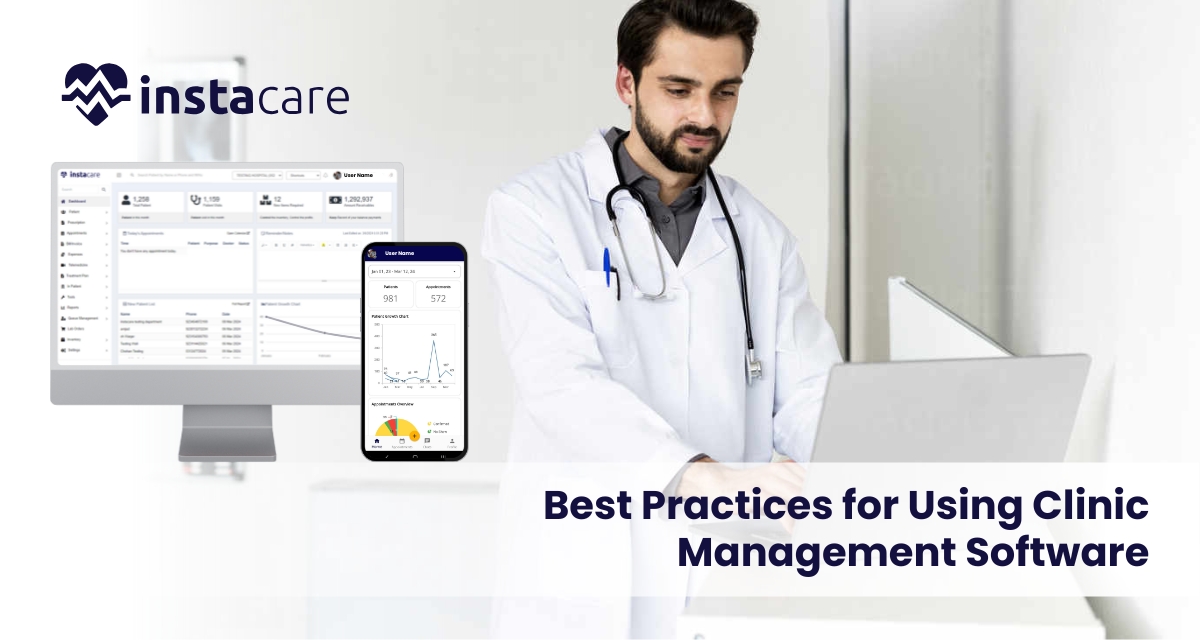
In today’s fast and busy healthcare environment, clinic management software forms an integral part of enhancing patients’ care and streamlining operational activities. The solutions benefit the healthcare provider in a variety of ways by keeping track of the patient’s record, appointments, billings, and much more for the enhancement of the experience of the patient. With this in mind, to bring maximum benefits from clinic management software, healthcare providers need best practices. This article outlines some of the effective strategies that can be used in the context of leveraging CMS for better patient care. 1- Choice of Right Software In order to improve the kind of patient care in the clinic, there must be a choice of the best clinic management software. This involves some of the following considerations. User-Friendly Interface The software must facilitate an intuitive user-friendly interface for the staff to easily use it and that the possibility of error decreases along with efficiency increases. Customization Options Explore customizable software that answers to your needs as a clinic. This will make the system flexible in the addresses of workflows and enhances its usability. Integration Capacities Select a CMS that has the integration ability to harmonize well with other health care systems, such as EHRs and billing applications. This would mean fewer duplication cases and efficient data flow. Scalability Select software that can grow with your clinic. As your practice expands, you want a solution that can accommodate increased patient loads and additional functionalities. 2- Train Staff Effectively Effective training is critical for the successful implementation of clinic management software. Consider the following training best practices: Comprehensive Training Programs New staff separately or together with the old one will undergo training on how to handle the software. The training would encompass all aspects of the system including, appointment setting, record keeping and even the billing system. Support after Implementation Ensure that there is continuous support offered to the staff as they go through the new system. This may include online resources, help desks, or regular refresher courses. Feedback Encouragement Encourage the staff to give feed on the usability of the software. The input will help in further training and identifying areas where further support may be required. 3- Simplify Patient Scheduling Schedule for the patient is part of their care. Your clinic management software has the following functions: Online Booking This is booking of appointments that makes it easy for scheduling by patients. It’s a feature that saves patients and staff time and, consequently, cuts down on no shows. Scheduling Optimization With the scheduling tool in your software, optimize the timing of appointments while minimizing the gaps in your schedule. Automated reminders reduce missed appointments as well. Track Patient Flow Track patient flow through the clinic by using the reporting capabilities offered by the software. The collected data can be used for the identification of bottlenecks and improvement of general efficiency. 4- Effective Patient Communication The mantra to good patient care lies in communication. Use your software for the management of a clinic to: Auto-Reminders Set up alerts for appointment, follow-up and refill of prescriptions. These reminders could be through emails/ texting or telephone calls depending on the patient’s convenience so that they have to be reminded. Use the software to send educational resources to patients, including treatment options and preventive care tips. Equipping patients with information may help them become more engaged in their care. Secure Messaging It is recommended to add safeguarding features for the purpose of enabling the patient–provider direct messaging. In this way, patients would be able to pose questions and givers would be able to reply back to those questions immediately without having to refer to the office. Book Free Demo 5- Efficient Management of Patient Records Quality care is characterized by proper management of patient records. The following are what your clinic management software should do. Centralize Patient Information All patient information shall be collected in one location: medical history, medication, and lab results. It can then be accessed by the healthcare providers easily. Validating Data Accuracy The software must have checks for validation to confirm accuracy in patient data. This ensures that accurate records can be used in sound clinical decisions. Regulations Please make sure that the clinics management software you use is HIPAA compliant if you are in the United States. Compliance protects patient information and builds trust. 6- Track and Analyze Performance Metrics Monitoring performance metrics is key to improving patient care. Use your CMS to: Monitor Patient Satisfaction Collect patient feedback regularly through surveys or reviews. Analysis of this data can help identify areas for improvement in patient care and service. Track Clinical Outcomes Use the application to monitor clinical results, such as treatment success and recovery periods of patients. This may inform evidence-based practice, ensuring quality care. Evaluate Operational Productivity Examine operational data, such as patient waiting times and staff productivity. Based on these metrics, make process improvements and improve care delivery. 7- Secure Data Data security in health care is critical. Keep patient data confidential through: Robust Access Control Role-based access control will be used to limit the view and edit of sensitive patient information, thus limiting exposure to unauthorized access. Frequent Updating of Software Clinic management software should be frequently updated with security patches and updates. Regular updates protect against vulnerabilities. Staff Training on Security Protocols Educate employees about the importance of safeguarding information and best practices about protection of patient information. Continued education is a reinforcement on the importance of safeguarding confidential information. 8- Promote a Patient-Centered Culture A patient-centered culture in your clinic has better outcomes for the overall experience of the patient. Implement these strategies: Involving Patients in the Decisions Incorporate patients in the plans by involving them in shared decision-making. This would help them feel a greater sense of ownership and participation in their care. Personalized Care Personalize care based on information from your clinic management software. Personalized care plans enhance patient satisfaction and outcomes. Continuous Improvement of Care Processes Analyze and