

Database Management Software: Definition, Types, and Benefits In the present-day information-driven society, organizations produce, archive, and process large amounts of data on a daily basis. The efficacy, security, and precision of managing such data are essential in the functioning of a business, decision-making, and expansion. It is at this stage that the database management software comes in the picture. It offers an organized manner of storing information, the ability to retrieve it fast, consistency, and prevents information theft or destruction, making it a reliable data storage and management software solution. Database management software is the workhorse of the modern digital infrastructure, both in small businesses with the need to track customer information and large enterprises managing their systems with complex transactional aspects. The knowledge of its working, its types, and the advantages it has, assists organizations to select the appropriate solution to their needs, especially when choosing suitable database software for businesses. What Is Database Management Software? Database management software also referred to as a database management system (DBMS) is a computer program that enables a user to create, store, manage, retrieve and manipulate data in an organized way. It serves as a contact point in between the database and users or applications and makes sure that data is organized, accurate and safe. A DBMS gives a centralized storage of information rather than scattered files and as such it becomes easier to access as well as update and maintain information. It also dedicates regulations to verify data integrity and avoids completeness whereby there are many users of the database at once. Types of Database Management Software Database management software consists of a number of types that are created to serve various data needs and loads. Relational Database Management System (RDBMS) A relational database management system (RDBMS) stores information in structured tables, which are in form of rows and columns. Tables are related through keys thus making retrieval of data easy and predictable. It has the following key features: Access to structured query language (SQL). Good data integrity and data consistency. Applied in business and enterprise environments. SQL Database Software SQL database software is based on the Structured Query Language to define, manipulate and query data. It is best suited to complex queries, transactions as well as structured data models. Common use cases include: Financial systems Inventory management Customer relationship management (CRM) NoSQL Database Software NoSQL database software is not created to process unstructured data or semi-structured data. It is not based on predetermined table schemas as relational databases are. Key advantages: High scalability Flexible data models Big data and real-time applications Cloud Database Management Cloud database management enables databases to be managed and hosted on clouds. Such solutions provide scalability, flexibility and lower the infrastructure costs. Benefits include: On-demand resources Automatic updates and automatic backups Global accessibility Enterprise Database Software Enterprise database software is designed to serve large organizations that demand large volume of data, complex transactions and demand high level of security. Typical features: Advanced performance tuning Disaster recovery and high availability Well-developed access control and auditing Open Source Database Software Open source database software allows the source code to be free, customized and developed by the community. Startups and developers like it because it is relatively cheap and flexible. Key Features of Database Management Software The current database management software is featured with a broad spectrum of capabilities that aid effective data management. Core features include: Storage and management of structured and unstructured data Tools of data definition and manipulation Access control and authentication by users Backup and recovery systems Monitoring and maintenance using database administration tools Optimization of query and indexing Concurrent user support All these characteristics make databases reliable, secure, and performant while ensuring strong data security in databases. Book Your Free Marketing Consultation How Database Management Software Works? Database management software operates by arranging the data into rational arrangements and offers tools to work on the said data. The DBMS is used when a user or an application makes a request, where it processes the request, retrieves the necessary information and data integrity is maintained during the entire process. The basic workflow includes: Accepting user or application queries Converting queries into internal operations Efficiency in data accessibility Using rules of security and consistency Providing the results back to the user or the application On the backside of the scenes, the system handles memory allocation, indexing and transaction control and error handling to have a smooth running that supports effective database performance optimization. Benefits of Using Database Management Software The benefits of using database management software are quite many in any organization regardless of its size. Improved Data Organization Information is organized in a systematic and uniform way which minimizes repetition and mistakes. Enhanced Data Security Data in databases is secured by strong access controls, encryption, and authentication gaining protection of sensitive information. Better Performance Some features such as indexing and caching assist in optimizing performance of the database, which is fast in retrieving data. Scalability Existing systems offer scalable database solutions that are expandable to business requirements. Data Integration Data integration and management support enable the interaction with other applications and systems with ease. Reduced Operational Costs Centralized management and automation saves manual effort and maintenance money. Common Use Cases The software in database management is applied in many industries and applications. Common use cases include: ERP Software and business applications E-commerce platforms Banking and financial services Healthcare records management Educational institutions Reporting and analytics systems Business customer, sales and operations database Such systems provide the integrity of access to important data at any given time. How to Choose the Right Database Management Software? The choice of a suitable database management software will require a number of factors pertaining to the business needs and technical limitation. Key considerations include: Type and volume of data Scalability requirements and performance Budget and licensing model Compliance requirements and security Cloud deployment vs on-premise deployment Access to support and community services Organizations are expected to consider various opportunities

Performance Management Software: Features, Benefits & More Every organization wants to enhance the productivity level of employees and accomplish goals sooner. To do this, organizations need better tools than spreadsheets or paper reviews. Performance management software serves this purpose. Performance management software offers a structured way of performance tracking software progress. It helps in evaluating employees and supports ongoing improvement. Organizations that use such tools save time. They remove prejudice. They also promote workplace culture. In this post, we establish what performance management software is. We outline its features and benefits. We also explore future tendencies. Finally, we explain why every firm should make use of performance management solutions. What is Performance Management Software? Performance management software is a computerized system used to monitor, evaluate, and improve the performance of employees. It replaces paper reviews with a smart and automated process. Performance management tools monitor goals, offer feedback, and help managers decide on training needs. They are also called: Employee performance management system Performance review software Performance appraisal software HR performance management system The names may differ. The purpose is the same. It makes them more effective. It aligns their growth with corporate goals. Cloud-based tools are the most fashionable ones currently. Managers can see data anytime using cloud-based performance management software. Performance can be viewed by employees anywhere too. It is flexible and simple to monitor. Key Features of Performance Management Software Recent Performance evaluation software offers many features to small, medium, and large enterprises. Some of the most notable ones are: 1. Goal Tracking Goal tracking software allows managers and employees to set measurable goals. Progress can be monitored in real time so that it is always in line with business goals. 2. Continuous Feedback Managers do not need to wait until they conduct annual reviews to provide feedback. Continuous feedback keeps performance management going and enables workers to grow quickly. 3. 360-Degree Feedback 360-degree feedback software collects suggestions from managers, coworkers, and even customers. This creates a balanced and fair perspective of employee performance. 4. Performance Appraisals Performance appraisal software automatically conducts review cycles. It offers pre-filled templates. It provides scales of rating. It also stores historical records. These features make judgments accurate. They also do away with bias. Managers save time and rate employees objectively. 5. Employee Development Employee development software capabilities are in most software. They provide training recommendations. They display training material. They provide skill analysis. They help with career advancement. Employees learn faster. Organizations build stronger teams. Development becomes automatic and structured. 6. Performance Analytics Performance measurement software generates reports with charts and remarks. Managers can identify top performers, areas of opportunity for improvement, and workforce trends. 7. Integration with HR Systems Most performance management systems are tied to payroll and HR software. This offers simple management of employee information, bonuses, and promotions. Benefits of Using Performance Management Software Utilizing the right performance management software offers numerous advantages: 1. Time-Saving Manually reviewing is time-consuming. Computerized software speeds up the process, reduces paperwork, and stores data safely in one place. 2. Improved Accuracy Computerized monitoring reduces human error and bias. Reports are produced on data, not guesses. 3. Boosts Employee Engagement Transparency of progress, appreciation, and frequent feedback motivate employees. Employees appreciate their progress being monitored. 4. Supports Growth Talent management software offers employees training and skill direction. This produces a learning culture and prepares them for tomorrow’s jobs. 5. Provides Greater Transparency Expectations, objectives, and outcomes are transparent to all. This promotes manager-employee trust. 6. Encourages Continuous Improvement As a contrast to annual reviews, Continuous performance management sees progress in the works constantly. Employees can quickly adjust instead of looking for feedback every year. 7. Higher Retention Companies that invest in employee development software see higher retention. Growth opportunities and recognition lower turnover. How Performance Management Software Drives Improved Workplace Culture Workplace culture is shaped by communication, appreciation, and trust. A well-functioning employee performance management system fosters all three. Open Communication: There is frequent and constructive feedback, reducing misunderstandings. Recognition: Employees are rewarded for achievement in dashboards and appraisal systems. Trust: Transparent goal monitoring removes prejudice and fosters equality. Collaboration: Teams collaborate more effectively when goals are clear to all. Overall, performance management software transforms the workspace from a review environment into a culture of constant growth. Book Your Free Marketing Consultation Future Trends in Performance Management Software The business world is changing very fast, and performance monitoring software is also catching up. Here are the key future trends: 1. Insights Powered by AI AI will review the performance and behavior of employees. It will suggest individual development plans for every employee. Performance monitoring software will turn predictive. It will help managers with data. This makes decisions smarter and fair. 2. Real-Time Feedback Tools Companies will prefer real-time feedback over longer reviews. Constant performance management is a reminder every day for the employees. Instant feedback energizes the workers. It also rectifies mistakes faster. This movement boosts collaboration and improves communication between the employees and the managers. 3. Mobile-Friendly Platforms Employees want access at any time and from anywhere. Reviews, goals, and feedback will be highlighted in mobile apps. Mobile phone-optimized cloud-based performance management software will be used. Managers can review work even when away from the desk. This makes tracking flexible, simple, and efficient for everyone. 4. Integration with Collaboration Tools Performance software will also integrate with Slack, Teams, and project management tools. This connects performance with daily tasks. Staff do not have to switch platforms. Flows are seamless. Updates, goals, and reviews are all in one place. Saves time and avoids confusion. 5. Prioritize Employee Wellbeing HR performance systems tomorrow will track well-being and engagement too. Mental well-being will be treated the same as productivity. Employers will track stress levels. Healthier employees are made by equilibrium systems. This trend
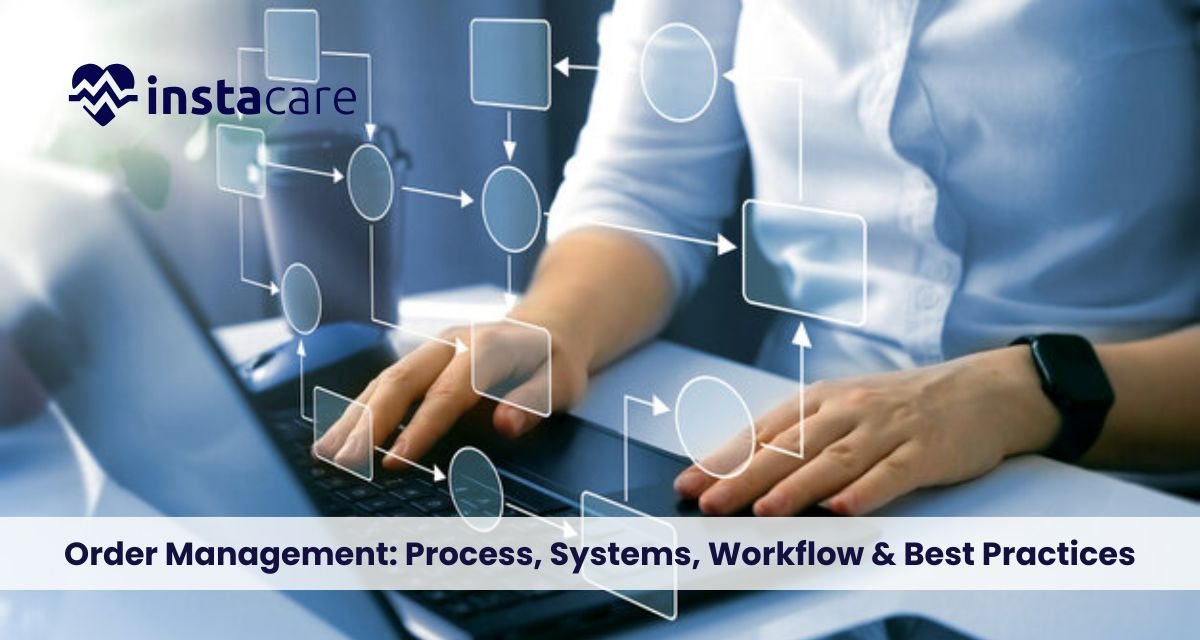
Order Management: Process, Systems, Workflow & Best Practices In the age of quick business, organizations need to emphasize hassle-free transactions, prompt delivery, and customer satisfaction to emerge as industry leaders. Order management with procedural processes must be adopted to address these needs. Right from taking orders at the customer level to easy dispatch, order management takes care of each phase of the customer life cycle. Properly streamlined organizations are capable of maximizing their cost, improving efficiency, and experiencing better customer relationships. Here, the concept of order management is being described from process and systems to order management workflow and challenges, and finally, the future trends. After realizing its significance, organizations can apply the best order management practices to practice and get maximum accuracy, minimize delays, and be market competitive. What is Order Management? Order management is an end-to-end process of each order from receipt, tracking, and storage of customer orders. Order management is a set of activities like order entry, payment validation, inventory verification, picking, packing, shipping, and ultimate delivery. The seamless order lifecycle begins from the moment an order is placed by a customer until he or she gets a product or service. Firms use specific computer software, like an order management system, to automate and streamline. This software ensures visibility across all the parties involved, like suppliers, warehouse personnel, shipping companies, and customer service personnel. Order management in the correct manner, not merely eliminating faults, but also increases the customer experience. Step-by-Step flow of Order Management Process Smooth order-to-cash process ensures that each order is accurately captured, processed, and shipped in due time. Order-to-cash process typically comprises the following sequentially: Order Capture – Orders are captured via websites, mobile phones, or sales representatives. Order Verification – Product availability verification and payment validation. Inventory Confirmation – A Proper inventory system verifies inventory availability and the correct allocation of inventory. Order Fulfillment – Orders arrive at the warehouse to be picked and packed, usually with the help of automated order management software. Shipping & Logistics – Orders are dispatched to shipping partners to ensure timely delivery. Order Tracking – Businesses and customers trace shipments through an advanced order tracking capability. Delivery & Fulfillment – The Last order fulfillment process hands over the product to the customer in a brand-new state. Returns & Refunds – Business always enables returns in a customer confidence-building manner. All these attributes are precise, streamlined, and customer-centric. What includes Order Management Systems (OMS)? An order management software, or OMS, is a computer program that automates and aggregates order-driven processes. These systems get integrated with various platforms such as eCommerce websites, payment gateways, inventory management databases, and shipping partners. Key features are: Centralized order entry and validation Real-time visibility of stock Integration with freight and payment partners Returns and refunds Understand Order Management Workflow Advanced Ecommerce order management software that is advanced is extremely flexible and can be implemented in companies of any size. They provide scalability to ensure that if volumes of sales are on the rise, the system will be able to manage demand effectively. The order process establishes a formal sequence of actions from start to order fulfillment. A simple process starts with customer order entry and moves through the coordination of sales, warehouse, and logistics personnel. A basic sequence is as follows: Sales order entry → Inventory check → Picking and packing → Shipping assignment → Receipt of delivery → Customer response Utilization of sales order management in the process keeps the order fulfillment group and the sales group on the same page. Being on the same page prevents miscommunication and leads to greater customer satisfaction. Book Your Free Marketing Consultation Best Practices for Order Management Organizations willing to outperform the competition in process excellence and customer satisfaction need to adopt order management best practices. Some of these best practices are: Invest in Technology – Leverage strong OMS solutions to automate and simplify the process. Improve Inventory Visibility – Leverage real-time information to prevent overselling and stockouts. Optimize Multi-Channel Integration – Leverage multi-channel order management to bring online, offline, and marketplaces orders into a single fold. Automate Repetitive Tasks – Automation is time and error-saving. Keep Customers First – Provide timely notifications to customers, save delivery time, and make returns easy. Monitor Key Metrics – Monitor KPIs like shipping cost, return rate, and fill time regularly. Employee Training – Train the employees in the use of processes and equipment for improved efficiency. Challenges in Order Management Even with all the technology at hand, companies have their fair share of problems managing orders efficiently: Inventory Count Mistakes – Inaccurate communication between inventory databases and sales can result in over-selling. Logistical Complexity – Transacting across regions and carriers introduces complications. High Return Rates – eCommerce has high return rates and exchange. Scalability Challenges – Poor players can’t scale. Customer Needs – Higher requirements for fast response and fast delivery put firms on thin ice. These are challenges that call for companies to leverage digital technologies and perform. Future Trends in Order Management Future ordering is technology and customer-need-driven. The key trends are: Artificial Intelligence & Machine Learning – Support for demand forecasting and customer personalization. IoT Integration – Smart tracking of shipments and automated warehouses. Cloud-Based Solutions – Scalable and low-cost order management solutions. Blockchain Technology – Secure, tamper-free, and transparent supply chain transactions. Sustainability Practices – Green packaging and green logistics. As business is going global, there will be more demand for efficient, flexible, and customer-centric systems. Conclusion Lean-order management is required by the contemporary business to reconcile efficiency of operations and customer satisfaction. Order management process transparency, utilization of digital technologies, and best order management practices help companies streamline processes, maintain efficiency, and engage with customers. Whether driven by automation, emergent coordination, or revolutionary technology, those companies that make an investment in better

Dental Appointment Reminder Templates for SMS & Email Dentist practices are dependent on ongoing patient visits. No-shows not only disrupt the schedule but also have an impact on the overall efficiency and revenue of the clinic. A Patient reminder template of dental appointments is one of the most effective ways to manage no-shows and maximize patient communication. Reminders sent via SMS, email, or automated messaging connect patients with their dental appointments. In this guide, we’ll explore different dental appointment reminder templates, why they are essential, and how to use them effectively to boost dental practice communication and reduce cancellations. Why Dental Appointment Reminders Matter? The cost of a missed dental appointment is more than an available booking on the books. It is an opportunity loss to instruct patients about keeping teeth and money loss to the clinic. Reminders of appointments are gold to remind patients about appointments, which leads to enhanced dental patient attendance, reduced lost bookings, and more efficiency. With busy lives, even the most conscientious patients end up missing appointments. That is where dental appointment reminder software proves to be useful. These programs provide reminders that remind a patient of their appointment, confirm their arrival, and even allow rescheduling when necessary. In the long term, this leads to more Dental practice efficiency, better patient satisfaction, and higher retention rates. Various Kinds of Dental Appointment Reminders Templates to Choose From Different communication channels work well with different patients. The following are the most prevalent and effective Dental appointment reminder templates you can use: 1. SMS Appointment Reminder Template SMS appointment reminders are one of the fastest and simplest ways to communicate with patients. SMS reminders have an open rate of normally more than 90%. SMS reminders are appropriately suited for short, time-sensitive reminders. Example SMS Template 1 Dear [Patient Name], your dental appointment at [Clinic Name] is coming up on [Date] at [Time]. If you’d like to confirm this appointment, reply YES, or call us at [Phone Number] if you need to reschedule. Sample SMS Template 2 Hi [Patient Name], [Clinic Name] would like to remind you of your appointment on [Date] at [Time]. Be here about 10 minutes early. Got questions? Get in touch at [Phone Number]. These emails for appointment reminders are very clear and concise, so the reminder must be designed as HIPAA-compliant, which means that it has no unprotected sensitive patient health information or patient authorizations. 2. Email Appointment Reminder Template Email appointment reminders permit more text-based descriptions. They’re ideal for adding pre-visit instructions, clinic details, and contact addresses. Example Email Template 1 Subject: Reminder: Your Dental Appointment on [Date] Dear [Patient Name], This is a friendly reminder of your appointment at [Clinic Name] that you have scheduled on [Date] at [Time]. Come in 10 minutes before your appointment time. To cancel or reschedule your appointment, call us at [Phone Number] or reply to this message. Sincerely, [Clinic Name] Team Example Email Template 2 Subject: Don’t Forget Your Appointment at [Clinic Name]! Hello [Patient Name], We are awaiting your arrival on [Date] at [Time] for your dental appointment. Need to reschedule? Click here: [Reschedule Link] Questions? Call us at [Phone Number]. Stay healthy, Your friends at [Clinic Name] These templates enhance dental patient engagement through higher access to information and a more professional look, hence reducing Patient no-shows. 3. Automated Appointment Reminder Template Automatic systems are integrated with SMS, email, and even voice calls at times to simplify the reminder process. Automated dental reminders are triggered by your dental appointment scheduling software and remove manual contact. Example Automated Template Subject: [Clinic Name] – Upcoming Appointment Reminder Hello [Patient Name], Reminder that your dental appointment is booked for [Date] at [Time]. Reply to this message to confirm or click here [Link] to reschedule. Questions? Call [Phone Number] This alert can be scheduled 7 days, 3 days, or 1 day ahead of time. Many appointment reminder software solutions will also allow you to personalize timing, message, and channels so that the message is consistent with your brand voice and patient preference. Book Free Demo What are the Best Practices for Writing Dental Appointment Reminders? Effective Dental communication strategies start with the right tone, time, and message. Below are some best practices: Personalize Messages: Use the patient’s name, precise appointment date/time, and clinic details. Personalization is more interesting. Keep It Clear and Short: Especially in SMS, keep the message brief with the core information. Avoid using jargon. Include a Call to Action: Whether “Reply YES,” “Call to reschedule,” or “Click here,” always tell the patient what to do next. Send Bulk Reminders: Best practice is sending two reminders, one two days before and another on the day before. Use Brand Consistency: Your clinic’s logo, color scheme, and tone must be included in the emails to establish a strong brand image. Make It HIPAA-Compliant: Do not send sensitive information unless the patient has specifically opted to receive such information via SMS or email. Make Rescheduling Simple: Offer phone numbers or links to make it simple for patients to reschedule appointments if needed. Benefits of Dental Appointment Reminders Utilizing reminders to implement an effective Dental Record System has numerous advantages for your practice: Fewer No-Shows: Regular reminders significantly decrease missed appointments and last-minute cancellations. Wins Efficiency: Fewer missed appointments enable your staff to more effectively manage time and resources. Build Patient Relationships: Gentle reminders remind the patient that you value their time and their health. Drives Revenue: More appointments booked = increased financial success for your clinic. Makes Scheduling More Accurate: Reminders allow patients to pre-cancel or confirm, allowing you to make appropriate changes to your schedule. Build Patient Engagement: Reminders keep your clinic top of mind and remind them of routine dental care. Streamlines Communication: Automatic messages sent via dental scheduling software conserve administrative time and reduce human error. Conclusion The use of well-crafted dental appointment reminder templates—via SMS, email, or automated systems—is a

Large Language Models in Healthcare: Revolutionizing Medical Intelligence Artificial Intelligence (AI) has steadily been transforming industries across the board, and healthcare is no exception. Among AI’s most groundbreaking innovations are Large Language Models (LLMs), like OpenAI’s GPT series, that can analyze, generate, and understand human language with exceptional accuracy. These models are reshaping how medical professionals access, process, and utilize information. What is a Large Language Model in Healthcare? Healthcare applications with Large Language Models utilize AI systems that receive extensive medical data training to create texts resembling human-written content. Large Language Models help healthcare professionals through document creation while also offering clinical decision assistance and patient solutions, and performing medical research. The implementation of these systems improves operational efficiency as well as accuracy and accessibility, yet introduces risks related to data security and data truthfulness. Impact of Large Language Models in Healthcare Enhancing Clinical Decision-Making One of the most thrilling uses of LLMs in medicine is helping with clinical decision-making. They can scan through extensive medical literature, patient histories, and diagnostic data to give precise diagnoses and treatment recommendations. Physicians can utilize LLMs to double-check patient histories, medication interactions, and symptoms and save precious minutes in emergency and regular care. These technologies do not supplant human judgment but are sound decision-support systems and decrease the likelihood of oversight or mistake. Additionally, LLMs have the ability to provide case-specific evidence-based guidance, useful in unusual or unprecedented cases. Having AI added into Electronic Health Records (EHRs) also enhances their usefulness by streamlining processes and lowering administrative burdens. Medical Research and Literature Analysis In medicine, one has to keep up with new evidence but more and more challenging. LLMs are able to scan thousands of scientific articles in a matter of seconds and extract findings as well as identify important points of data for researchers. With multidisciplinary data set pattern discovery, LLMs assist scientists in finding areas of missing knowledge and suggesting novel hypotheses. It speeds up the research cycle and enables innovation in pharmaceuticals, disease modeling, and public health policy. In addition, LLMs can generate literature reviews, summarize clinical trial results, and aid regulatory documents, all in a time and cost-effective manner for medical researchers. Patient Engagement and Health Education Good-quality healthcare is the bedrock of doctor-patient interaction. Medical terminology, though, introduces misunderstandings, particularly by non-medical people. LLMs are doing commendable work in ensuring health literacy. By application of chatbots and virtual assistants via AI and LLMs, the following is possible: Translating medical jargon into plain language. Offering answers to straightforward health queries. Publishing post-treatment guidance and reminders. This real-time assistance empowers and engages patients, potentially enhancing compliance and outcomes. Multilingual capability also enables communication with more individuals, bridging the language gap in more diverse healthcare systems. Book Free Demo Various Hospital and Clinic Use Cases for LLMs LLMs are already proving useful in many hospital and clinic environments. Some of the most promising uses are: Clinical Documentation: Automatically generating SOAP notes from physician-patient conversation. Medical Transcription: Transcribing dictations into medical text with formatting. Triage Support: Computerized aides direct patients to the right levels of care. Pre-visit Planning: Patient history summaries for doctors before visits. Coding and Billing: Software automatically determines billing codes and diagnosis codes in insurance claims processing. Such services offer clinicians time-saving benefits and allow increased efficiencies in service delivery. LLMs in Mental Health Treatment The mental health industry is also being enriched by LLM utilization: Virtual Therapy Support: AI buddies providing cognitive behavior therapy (CBT) methods. 24/7 Emotional Support: Chatbot provides immediate responses during a crisis. Anonymized Feedback Tools: Collecting patient feedback without stigma or bias. Mood and Language Analysis: Monitoring language patterns for early depression or anxiety detection. These tools supplement professional mental health treatment but introduce layers of care, particularly where access is limited. Read More about Mental Health Ethical Concerns and Data Privacy via LLMs With the fast speed of LLMs in healthcare, there also arise numerous severe ethical issues. Patient information is highly sensitive, and the use of AI tools is an issue of privacy, consent, and data security. Use of LLMs will be on the understanding that they are used as per the law as embodied in the regulations like HIPAA (US) or GDPR (EU). Any model used must maintain the anonymity of the patient and must remain unbiased while making decisions. Bias is the largest hurdle. If LLMs are not trained on representative data, they will generate biased output, which impacts patient care quality. The systems need to be audited and refreshed from time to time by the developers to ensure safety and fairness. Transparency is also needed. Physicians and patients need to be informed as to how these systems work and the limitations thereof so that they can make intelligent decisions about their use. LLMs and Training and Implementation Issues While LLMs are enormous in potential, implementation in actual healthcare environments presents technical and logistical issues. Hospitals need to invest in infrastructure and training to allow staff to use AI tools to the fullest. Apart from that, compatibility with current healthcare systems like EHRs would also involve vendor and inter-departmental cooperation. The clinicians would also fight against the systems in case they perceive them as invasive or unreliable. The cost is also an issue. LLMs are computationally intensive, and healthcare organizations will have to account for thinking about long-term return on investment. LLMs – The Future of Personalized Medicine LLMs will be at the forefront of the precision medicine revolution, with treatment plans customized according to an individual’s genetic profile, lifestyle, and surroundings. LLMs, using genomic information, medical history, and live health inputs, can assist in creating extremely customized care plans. They can be applied for predictive diagnosis, recognizing potentially high-risk patients even before symptoms manifest, and chronic disease management
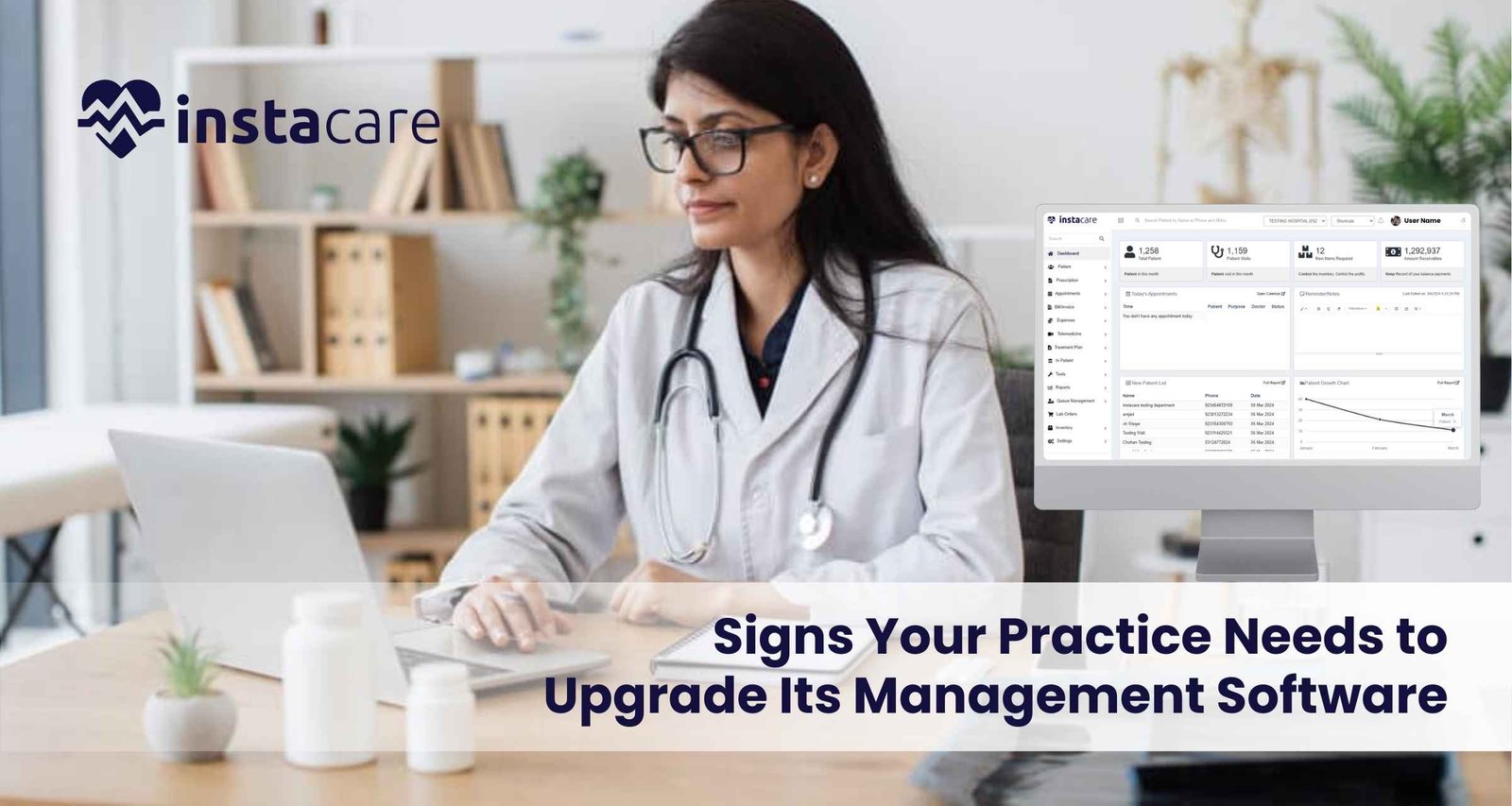
With the fast pace of modern health care today, proper management software can make any health practice thrive. The tools given allow practices to streamline things, enhance patient care, and improve regulatory compliance. Unfortunately, however, your old management software may not remain good enough for your constantly developing and growing practice. Five indications it is time to move on from the old software into a new one; there follows some practical advice on how to best do that. 1- Inefficiencies and Workflow Bottlenecks Identifying Inefficiencies Probably, the most indicative sign that upgrading management software is in place is when inefficiencies are manifested along with workflow bottlenecks. If, for example, your employees are taking too much time on activities such as setting appointments, managing patient files, or making bills, it’s probably time for an upgrade. Effects on Patient Care The longer the time patients take to access care, the unhappier they will be; there is also a chance of danger of safety due to a lack of accessible information, which can provide crucial details. Advanced software systems will automatically allow automation of routine tasks, enabling staff to spend more time with the patient instead of the paper. Solutions Assessment: an appropriate assessment of the existing workflow that indicates where things need improvement. Automation: Seek a software that provides automation in scheduling, billing, and reminders. Integration: Select a system that has the potential to integrate with other applications the practice uses, for example, electronic health records and billing. 2- No Reporting and Analytics The Role of Data Given current market environment and focusing on data – driven approach, it is essential to gain access to reporting and analytics tools. If your current management software does not have built-in reporting tools, it can imply that your practice is missing out on important information in such categories as demographics of patients or the state of your practice’s finances or its efficiency. Poor data visibility leads to: It would become very challenging to determine trends, predict future needs or make improvements without the capability to analyze data. This can adversely affect the growth of your practice and also impact the adaptability of your practice to changes in regulatory healthcare and market conditions. Solutions Determine the Reporting Needs of Your Practice: Determine if your practice needs financial reports, patient flow metrics, compliance reports, and other summary reports. Select Advanced Analytics Tools: Select software that allows real-time analytics and custom reporting. Training: Make sure your staff is trained to use these reporting tools to make better decisions. 3- Complexity in Managing Patient Engagement Patient-Centric Care The current environment of the healthcare sector can be said to be customer centre especially as it pertains to the patients. Lack of elements of communication with the provider, appointment reminder, or an online patient portal in your management software will make the practice struggle to meet patient expectations. The Need for Innovative Engagement Solutions Patients today are demanding easy access to health information, make appointments online, and acquire insight into their care in due time. Satisfaction, healthier outcomes, and loyalty could be delivered by a system that encourages patient engagement. Patient Portals: Choose a software that offers a patient portal as an easy way of viewing the records, communicating with the staff, and also scheduling appointments. Automated Reminders: Choose a system that will automatically send reminder appointments for medication refills and follow-up visits Feedback Mechanisms: Allows patients to give you real-time experience feedback so that you’ll know where things went wrong. Book Free Demo 4- Compliance Challenges and Security Concerns Regulatory compliance Healthcare regulations, such as HIPAA in the United States, require practices to carry out strict standards on handling patient data security and its privacy. If your management software does not support it, your practice will also be exposed to some extreme risks, including hefty fines and reputational damage. Security Risks Outdated software may also leave your practice vulnerable to security risks. Cyber security threats are increasing daily, and having a system that cannot adequately protect sensitive patient information is very serious. Solutions Assess Compliance Features: Make sure any new software you look at meets all the applicable regulatory requirements and includes data encryption, access controls, and audit trails. Regular Updates: Select a provider that offers periodic updates and support to help cope up with emerging security threats. Training: Train your employees on best practices and requirements for data security compliance that can help minimize potential risk. 5- Very Poor Scalability and Flexibility Preparation to scale As your business grows, your management software grows with you. In the moment when you actually realize that it is neither scalable nor customized, most probably you’d not quickly respond to whatever changes happened in the quantity of the patients, kind of provision of services or needs of operation. Necessity to Scale An unyielding system can frustrate the staff and even prevent you from offering new workflows or services that will benefit your patients. An advanced system should allow the customization of needs for your practice and patients. Solutions Scalable Solutions: You want to have software that is built to grow with your practice. This means it should be easy to add users, locations, and services with little to no disruption. Customization Options: Select a system that can be customized in terms of workflows, templates, and user interfaces according to the specific needs of your practice. Vendor Support: The software vendor must provide strong support and resources for customization and scalability. Conclusion Upgrading management software is an important step toward efficient and successful practice. Knowing that it’s time for change through inefficiencies, lack of reporting, hard time to engage the patients, challenges with compliance, and inability to scale further provides the leeway for finding a better solution that addresses your needs better. Investment in modern management software does not only streamline your operations but also enhances patient care and satisfaction. When viewing potential upgrades, be on the lookout for features and benefits that align with your objectives for your practice and for your
